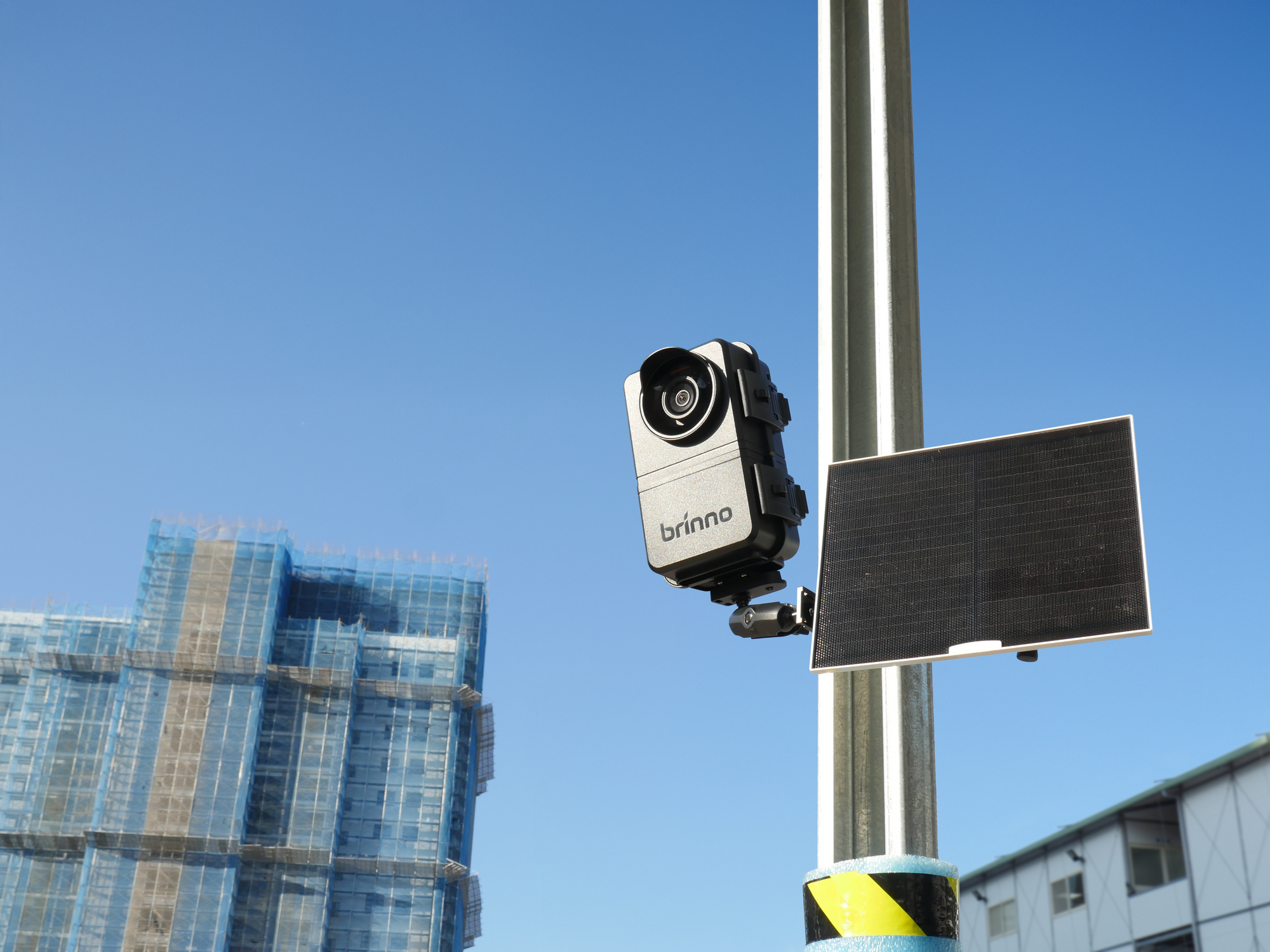

The Hidden Work Behind Time-Lapse
Construction time-lapse cameras can document project progress over months or even years. But keeping them running requires ongoing attention.
A quick settings adjustment, camera check, or footage retrieval may mean another trip to the jobsite. Across multiple locations, these small tasks add up quickly. And when camera issues go unnoticed, missing footage can leave gaps in the project's visual record.
Time-lapse should document your project, not add to your workload.
With Brinno Multi-Camera System (MCS), construction teams can manage cameras remotely, reducing unnecessary site visits while keeping their time-lapse documentation on track.
Small Tasks. Repeated Site Visits

Adapting to Schedule Changes
Construction schedules can change unexpectedly, requiring adjustments to camera settings or capture intervals. Without remote access, even minor changes mean another trip to the jobsite, adding unnecessary time and effort to the team's workload.
Keeping Cameras Running
A camera can appear to be recording normally while a low battery or a full SD card quietly stops recording. By the time you find the issue during a site visit, you may have already missed important project activity.
Retrieving Project Footage
Collecting completed time-lapse videos usually requires returning to the site, accessing the camera, and manually transferring files. Across multiple cameras and locations, these repeated trips take time away from the project itself.
One Platform. Every Connected Jobsite Camera
With the Brinno BCC5000 construction time-lapse camera bundle and Multi-Camera System (MCS), teams can remotely manage cameras across multiple job sites, all from one place. Instead of handling routine tasks at each jobsite, construction teams can adjust settings, check battery and SD card status, access footage remotely, and back up footage to the cloud automatically across every connected camera, visiting the site only when the work calls for it.
Tip 1 — Make Changes Without a Site Visit
Construction schedules can shift at any time, and camera settings need to keep up. With Brinno MCS, project teams can adjust recording schedules, change capture intervals, and manage connected cameras remotely through the MCS platform.
Live View also allows users to check camera framing without being on-site, making it easier to confirm the camera's view as construction progresses.
By handling routine adjustments remotely, teams can respond to project changes more efficiently and avoid unnecessary trips to the jobsite.
Tip 2 — Stay Ahead of Camera Issues
Long-term time-lapse recording requires more than simply leaving a camera running. Low battery levels, full SD cards, or connection issues may go unnoticed until the next site visit.
With Brinno MCS, project teams can remotely monitor battery levels, SD card capacity, and connection status across connected cameras, helping them identify potential problems before recording is interrupted.
By staying informed about camera conditions, teams can plan maintenance more effectively, reduce the risk of missed footage, and keep project documentation on track.
Tip 3 — Access Footage Without Another Trip
Long-term construction projects generate time-lapse footage that needs to be collected, reviewed, and shared. Traditionally, retrieving these files means returning to the jobsite and transferring them manually.
With Brinno MCS, completed time-lapse videos can be automatically backed up to the cloud, allowing teams to access and download footage remotely.
MCS also supports over-the-air (OTA) firmware updates for compatible cameras, helping reduce routine maintenance trips and making long-term camera management easier.
No Site Wi-Fi? Stay Connected with ASR1000

Not every construction site has an existing Wi-Fi connection, especially in remote locations or during the early stages of construction.
With available 4G LTE coverage, the Brinno ASR1000 Solar-Powered 4G LTE Router creates a local Wi-Fi network for nearby BCC5000 cameras. Its built-in solar panel and battery keep the router powered without requiring an external power source.
Once connected, teams can continue using Brinno MCS to monitor camera status, adjust settings, and access project footage remotely, even without existing site Wi-Fi.
Less Camera Work. More Project Focus.
Long-term construction documentation shouldn’t add work to a busy project. With Brinno MCS, teams can manage everyday camera tasks remotely, reducing site visits and keeping time-lapse records complete.
Planning a long-term construction time-lapse project? Explore how BCC5000 and Brinno MCS can fit your workflow.